3D Modeling Thingy
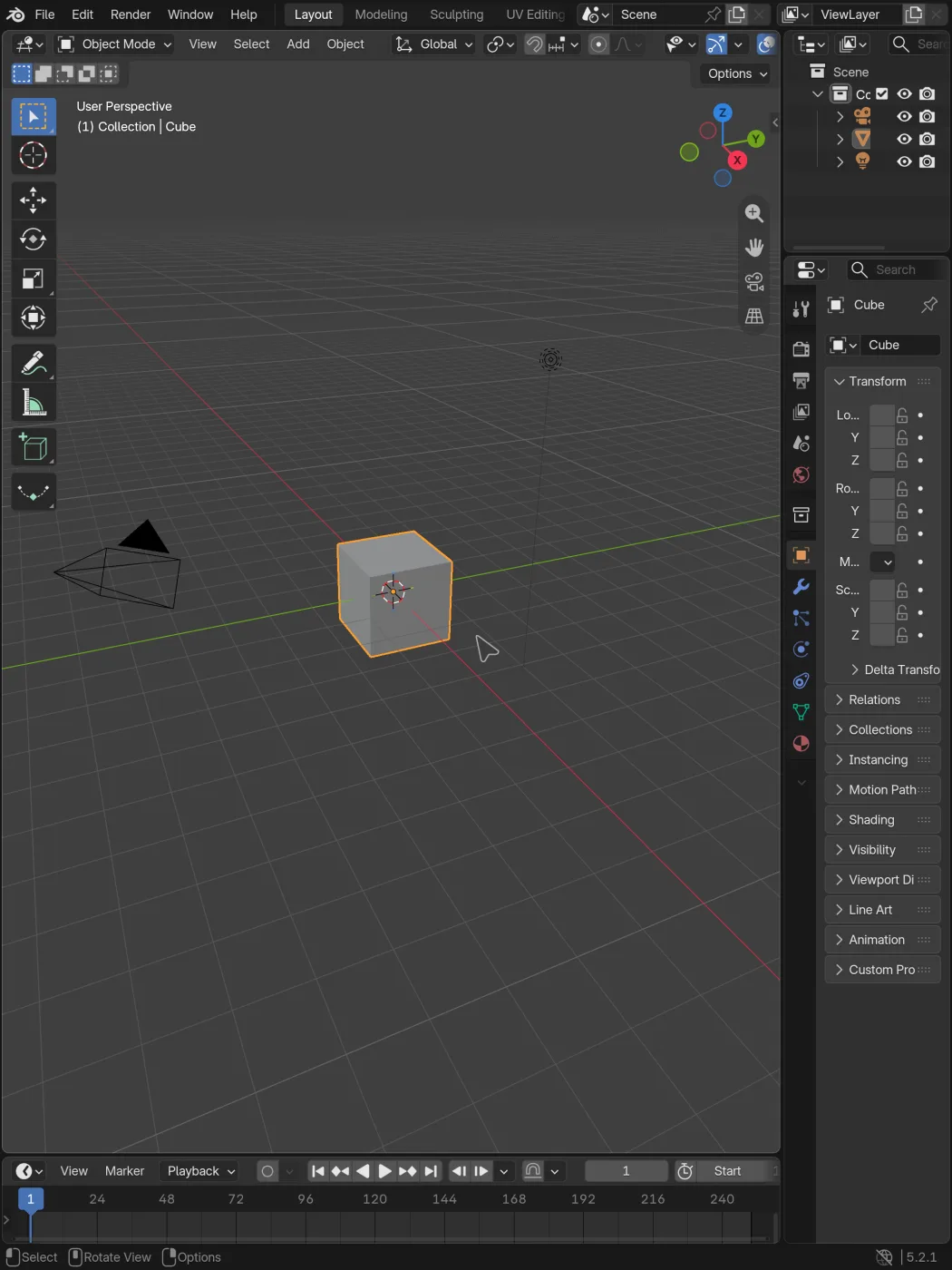
3D Modeling Thingy is an independent app based on Blender 5.2.1, adapted for
iPhone and iPad. It keeps the desktop interface and uses ordinary .blend files.
It is not affiliated with or endorsed by the Blender Foundation.
What doesn’t work
Section titled “What doesn’t work”Before bringing a project over, check what it needs.
- Add-on support is limited. Some Python-only add-ons may work. Desktop binaries and add-ons that launch other programs won’t. The Extensions installer is unsupported on iOS.
- No OSL shaders or Hydra rendering. Projects that depend on them need changes before you can use them here.
- No VR or SpaceMouse support.
- Large scenes can exceed device memory. iOS may close the app if that happens. Save often, especially before rendering.
USD import and export are included, as is OpenVDB. Hydra rendering is the part of the USD-related tooling that’s missing.
Read What doesn’t work for the full list, including how add-ons work and what we haven’t tested yet.
Watch 17 short clips
Section titled “Watch 17 short clips”The short video guide shows orbit, three-finger pan, pinch in different editors, cursor wrapping, and small gestures that make the app easier to use. Each clip covers one action.
What you can do
Section titled “What you can do”Model, edit materials, and work with your usual Blender files. Use touch, a keyboard and mouse, or Apple Pencil. Workbench and EEVEE run through Metal, and Cycles includes CPU rendering and a Metal option for compatible devices.
You can also type into fields with the iOS keyboard, open files from the Files app, and give the app access to folders outside its own storage.
Before you install
Section titled “Before you install”You’ll need an arm64 iPhone or iPad running iOS or iPadOS 18 or newer. Blender’s desktop interface is a tight fit on a phone. Landscape gives you more room; a keyboard and mouse help too.
Start with the installation guide, then learn the touch controls. For modeling, materials, animation, and other Blender tools, use the Blender Manual.